

Mask Equalizer. Luminosity Masks From Multiple Tonal Ranges
MASK Equalizer is an exclusive Photoshop plugin that allows you to create luminosity masks with extreme ease, using multiple tonal ranges; for example adding highlights to shadows. Chose a preset to create a layer mask with just one click, adjust it or manually create a custom one from scratch.
Mask Equalizer offers the exclusive priceless wonder-option of the double live preview. Switching back and forth previewing the black & white mask or just the image with the mask already applied you can create any elaborate layer mask. Mask Equalizer let you modify the opacity of the mask, feather it or adjust its contrast. It also works with adjustment layers, advanced objects, and groups. Advanced users will even be able to work on specific channels. Mask Equalizer perfectly complements Wow! Frequency Equalizer and shines when they are used together.
- Mask preview in real time 80%
- Comp preview. See in real time the effect on the image of the mask applied 100%
- A must have in any digital workflow 70%
Mask Equalizer. Here, There and Everywhere.
This unique tool can make the difference in virtually any digital workflow. Whether used alone in your standard Photoshop workflow or paired with our plugins, for example with Wow!, Mask Equalizer shines as simplifies the creation of complex layer masks. It allows you to work perceptively switching back and forth from Mask to Comp preview that instantly shows the result of the mask applied. To understand what we mean, just try to add contrast with an adjustment curve, pushing the parameters without worrying of deep blacks or burnt highlights, then load a shadow-highlights preset.
A Modular App. From Easy to Advanced

Easy presets section. Use one out the four buttons to create the most common masks to protect highlights, shadows, mid tones and (the most frequent) shadows and highlights together. When pressing the buttons, the sliders will set accordingly. Check the preview and proceed or tweak them manually for an easy to apply.
Intermediate sections. Tonal range (luminosity) sliders. They refer to blacks, shadows, shadows/mid tones, mid tones, mid tones/highlights, highlights, and whites. Starting from the presets, or from scratch, you will able to easily and quickly create even the most elaborate mask.
The sliders in this third section allow to change the opacity of the mask, feather it or tweak its contrast while keeping the mid tones unchanged. The use of these options, usually complicated, is made easy by the live preview which will allow you to work perceptively.
Fourth section. It contains the priceless wonder-option of the double live preview. You can opt to preview the black & white mask or just the image with the mask already applied.
This section also contains the advanced user’s menu to use specific channels as for instance l, a, b, hue, saturation, etc. instead of the default luminosity channel.
Quick Start Tutorials
“I played with Mask Equalizer and it’s an absolutely great plugin and integrates well into my workflow.
Thanks for this wonderful helper!”
I bought the new – amazing and indispensable – Mask Equalizer!

Compatibility, version, and manual
Photoshop CC and later, CC 2017 included
Mac: OSX7 Lion and later, OSX Sierra included
WIN: Vista and later, WIN10 included, 64bit only
Not compatible with CS6, sorry
Current Version: 1.1.3
Read or download the user manual
More great plugins from Know-How Transfer
Our plugins are designed for Photographers and built to make their work easier, faster and more qualitative. To pursue our goals, we removed from applications everything that’s not indispensable, and we made sure that user interfaces are simple yet functional. All our products are powered by by algorithms working internally at 32bit, and work seamlessly on 8, 16, and 32bit.

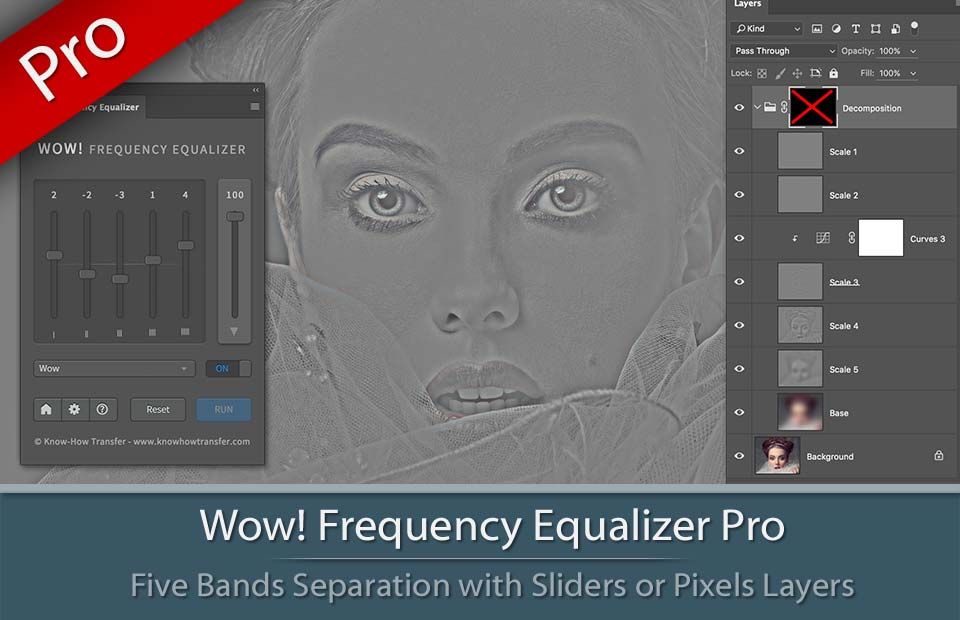
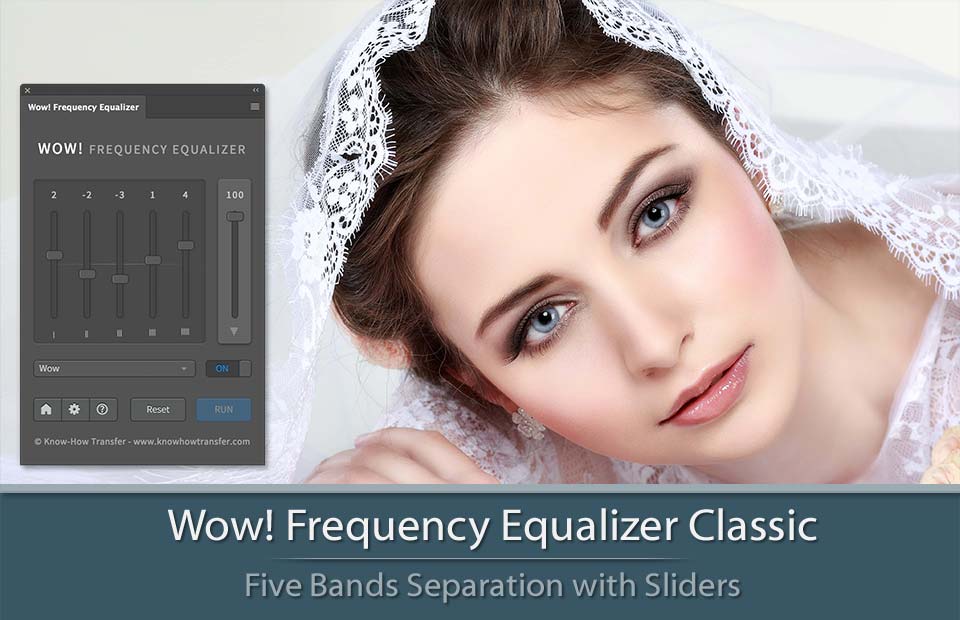
Read more or buy
Read more or buy
Read more or buy